

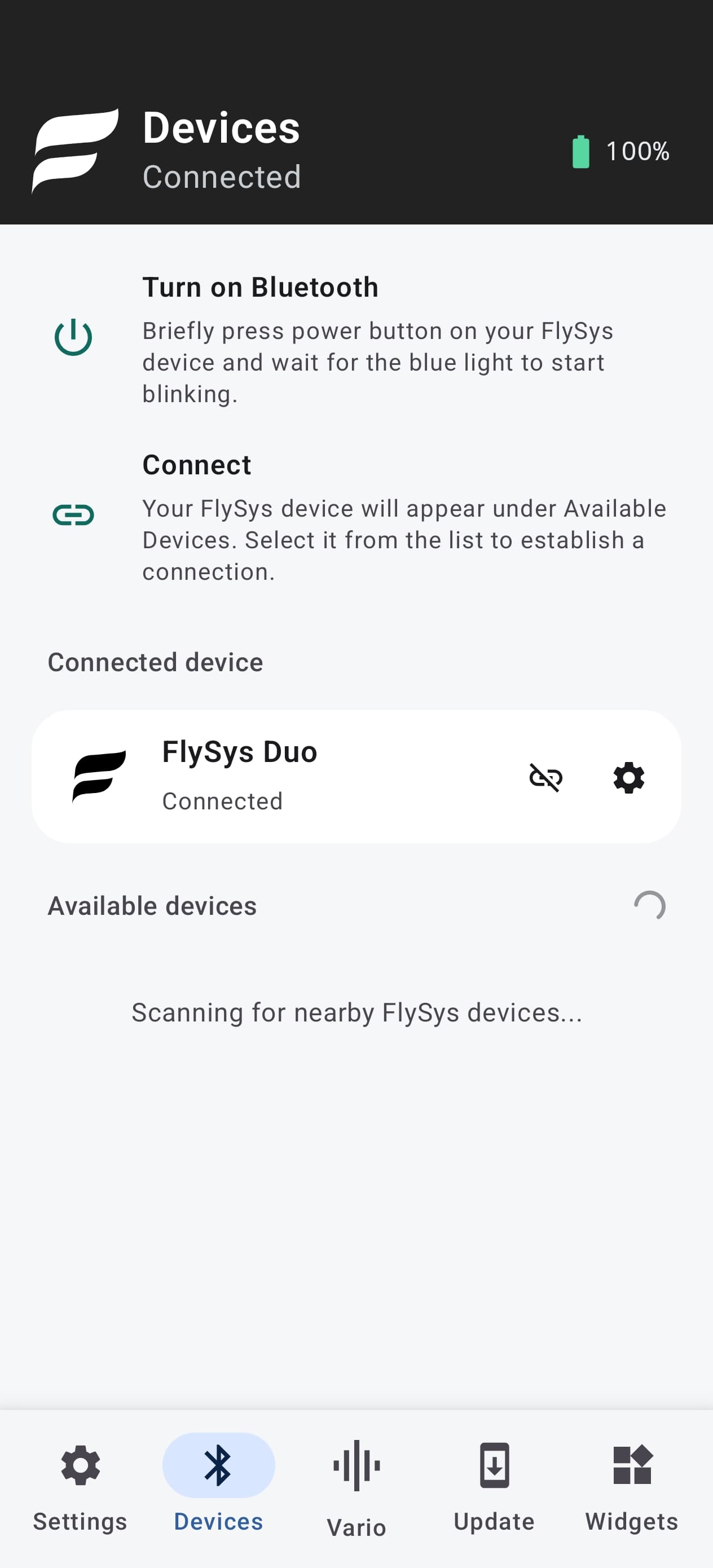
Connectivity
Bluetooth Low Energy minimizes power consumption, allowing your FlySys device to run longer between charges.
Monitor your flight data, customize tone profiles, and fine-tune your sound settings.
Create personalized overlay widgets with essential flight information, protect your device with password from other pilots and more.
Bluetooth Low Energy minimizes power consumption, allowing your FlySys device to run longer between charges.
Tune climb and sink audio, save profiles, and test before take off.
We will make sure you will get new software update for lifetime.
Flight data stream
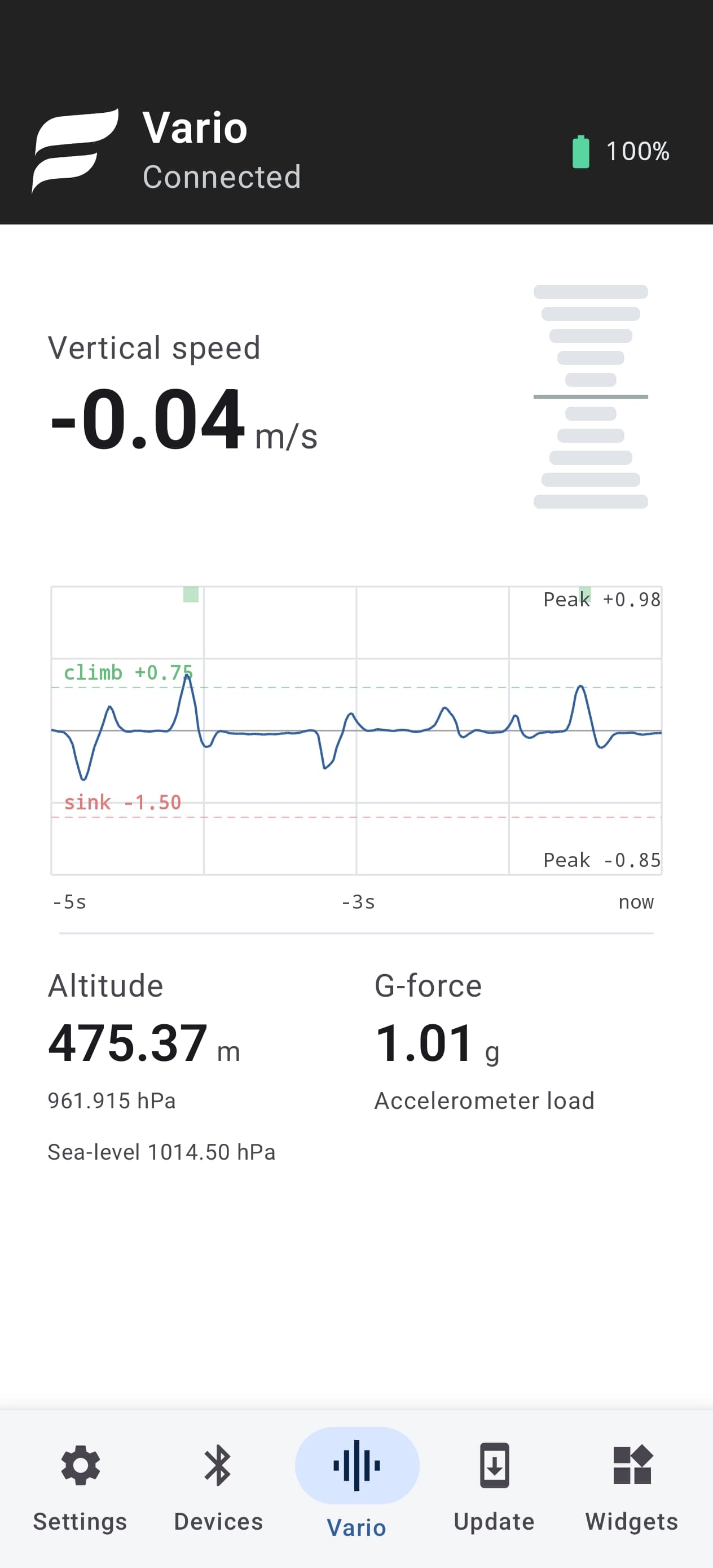
Use your phone’s speakers for real-time climb and sink tones while receiving live flight data directly from your FlySys device. Monitor vertical speed, altitude, G-force, and other useful information throughout your flight.
The chart range adapts as conditions change, keeping the signal readable when the air gets stronger.
Altitude is calculated from measured air pressure and the current sea-level reference. Using your phone’s location, the app retrieves this reference from online weather data and updates it every 15 minutes while connected.
Monitor acceleration load in real time and keep it within your personal safe zone, especially during high-G maneuvers such as deep spirals.
Tone curve profiles
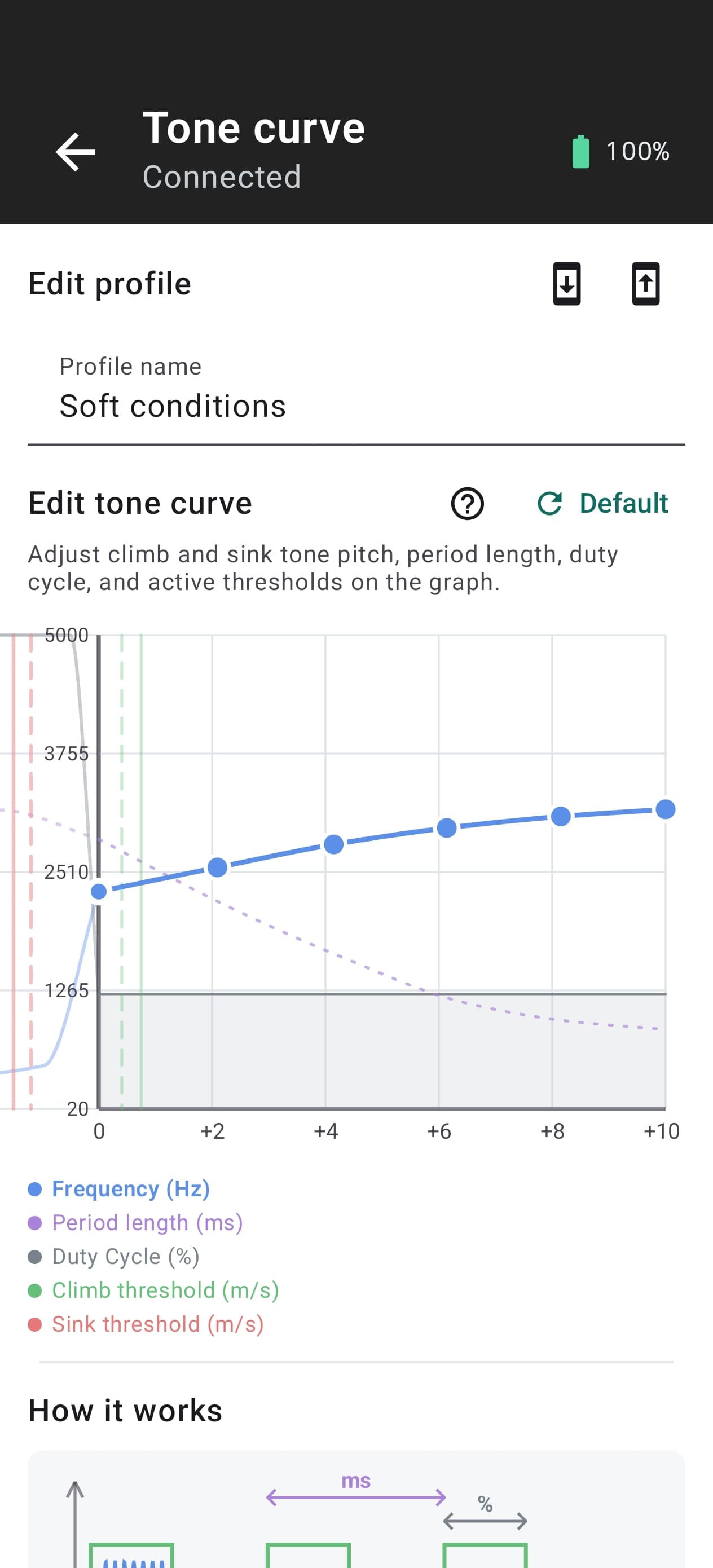
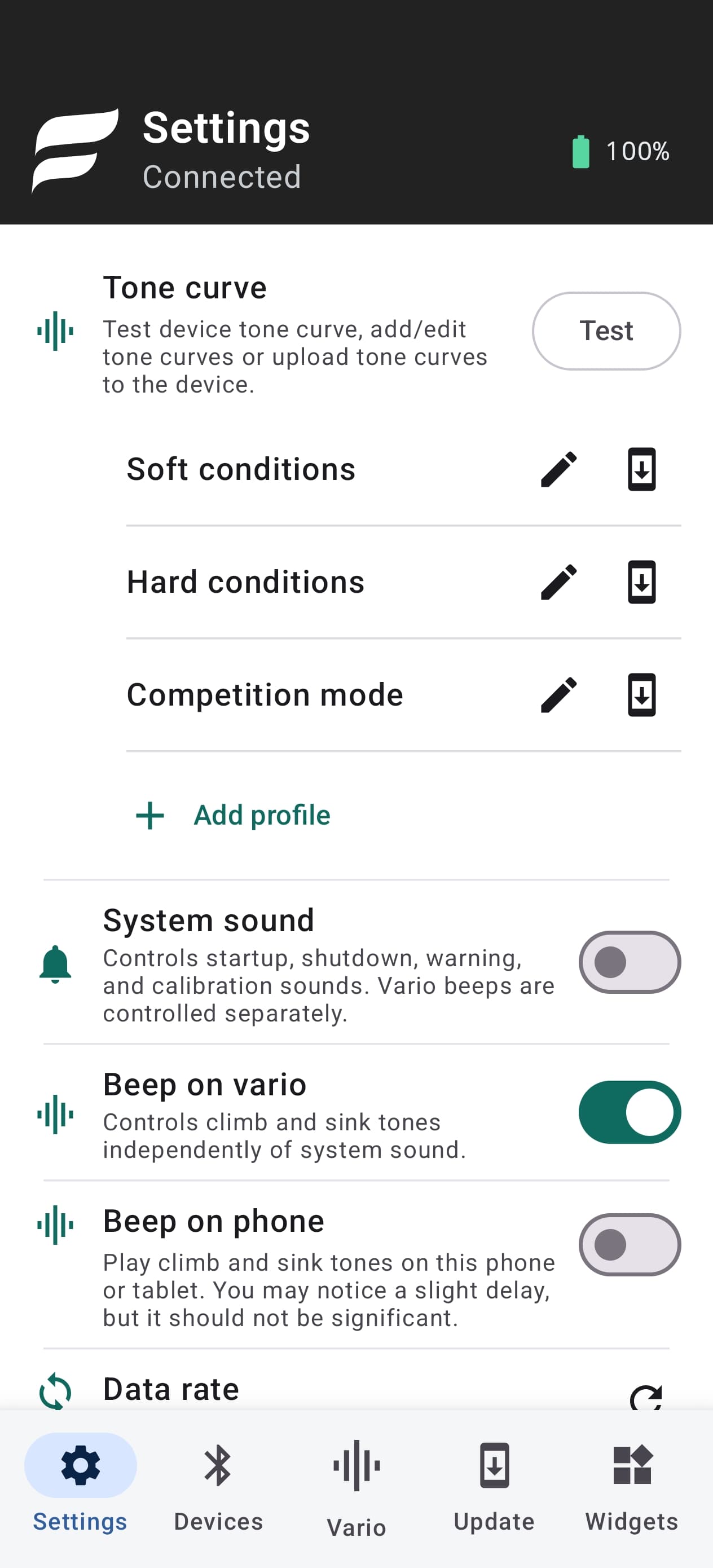
Configure tone curve profiles for different flying styles, test them before takeoff, and select the profile that best suits your flight. Apply your chosen profile to your FlySys device before take off.
Create profiles for soft conditions, strong lift, competition flying, or your own preferences.
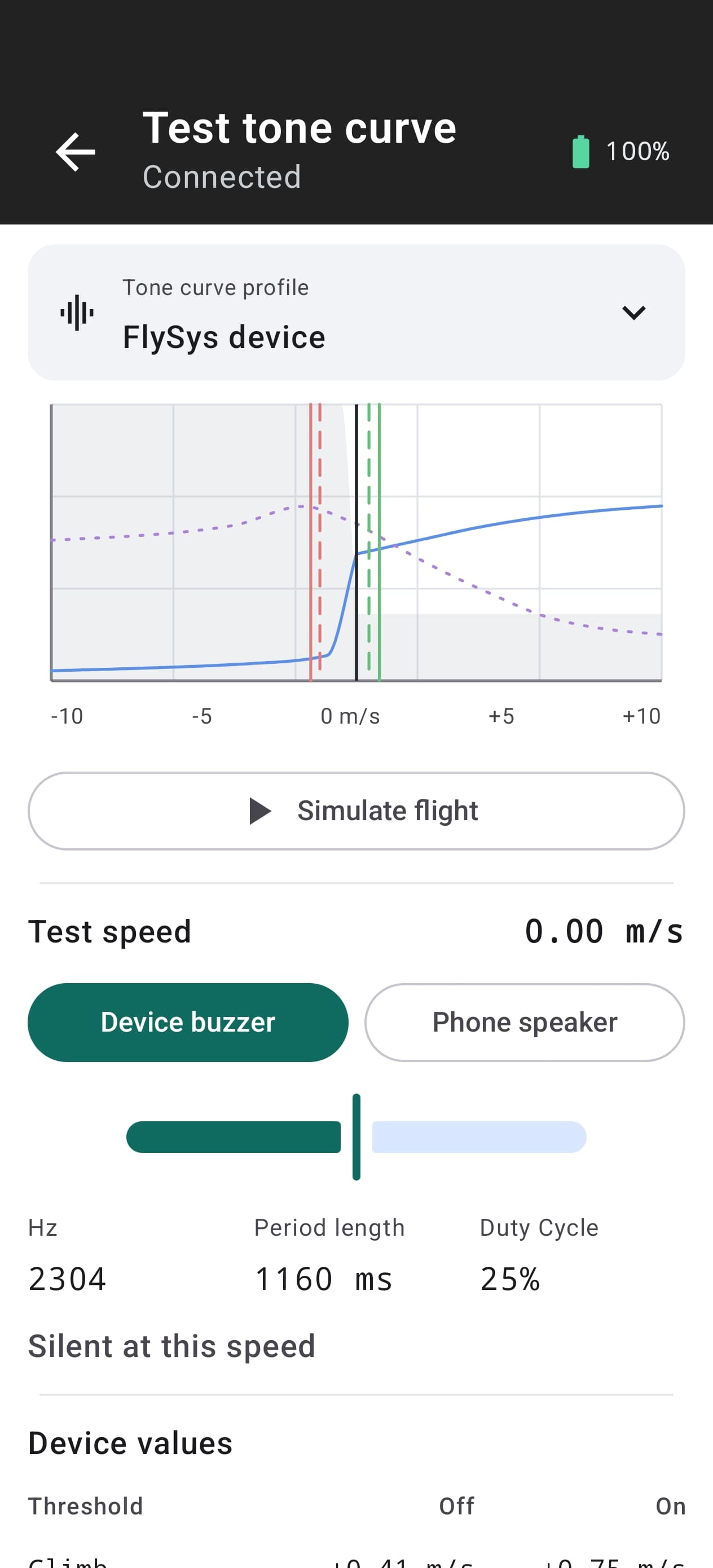
Adjust climb and sink frequency, period length, duty cycle, and active thresholds visually.
Preview tones through your FlySys device or phone and replay a simulated flight before applying the profile.
Firmware updates
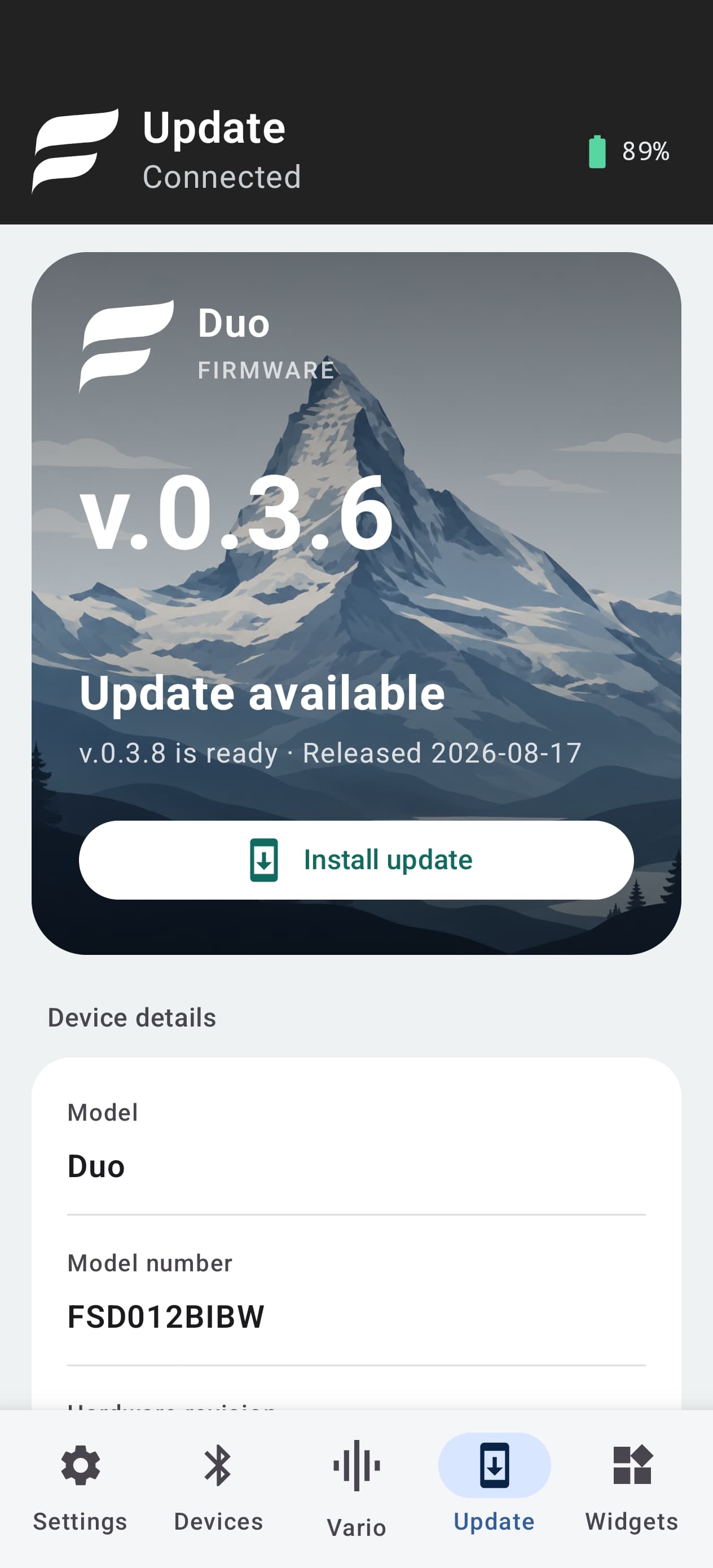
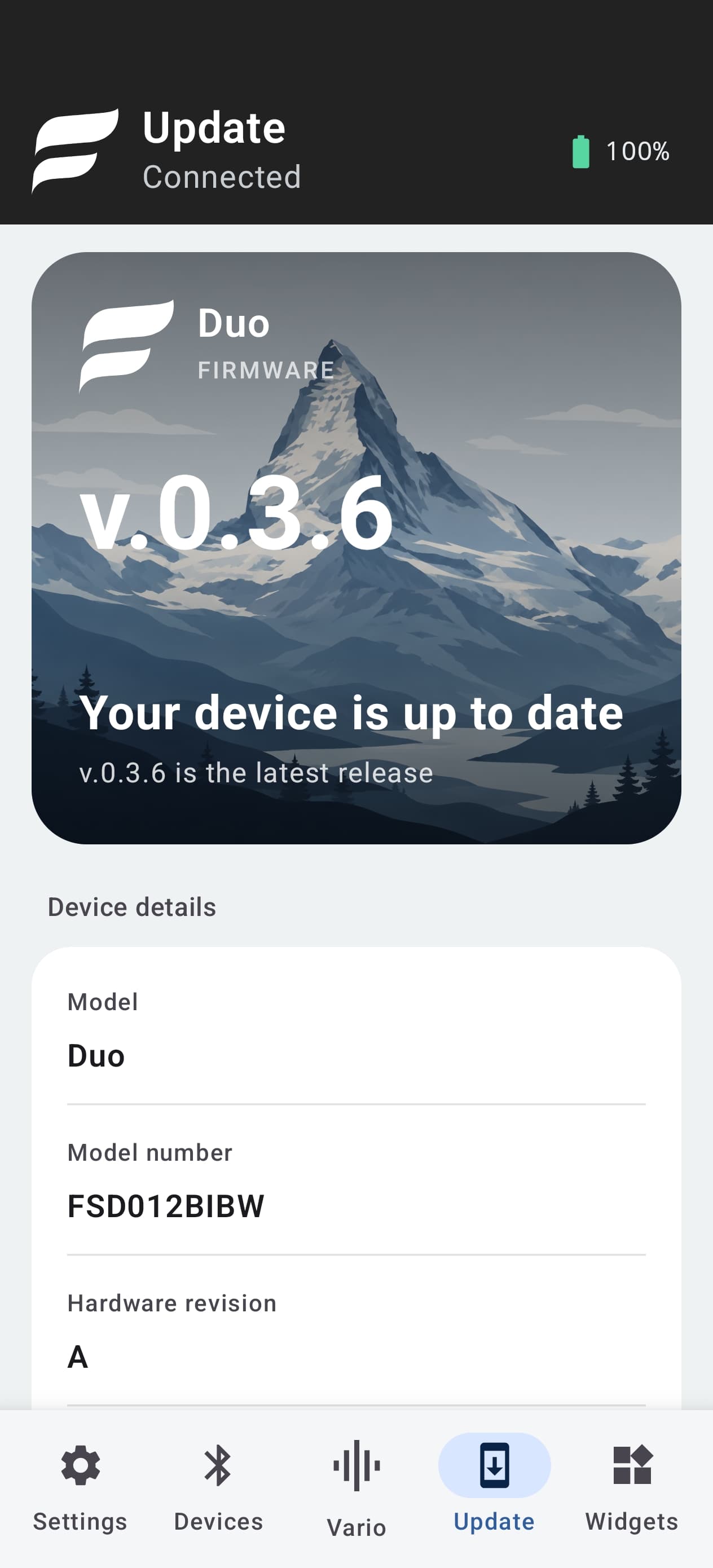
FlySys Mobile guides you from checking the available version to confirming the update after your device restarts. Keep your phone and FlySys device close and powered on until verification is complete.
The app checks your device model and installed version, then downloads the compatible signed firmware.
The update is transferred securely over Bluetooth while the app keeps the process active.
Your FlySys device restarts, reconnects automatically, and the app confirms that the new version was installed successfully.