USB or Bluetooth
Use a direct USB connection at your desk or connect wirelessly if your computer supports Bluetooth Low Energy.
Use a direct USB connection at your desk or connect wirelessly if your computer supports Bluetooth Low Energy.
Monitor vario, altitude, accelerometer, and gyroscope measurements alongside a live 3D device orientation.
Shape climb and sink tones visually, test them through your computer, and transfer the finished curve to FlySys Duo.
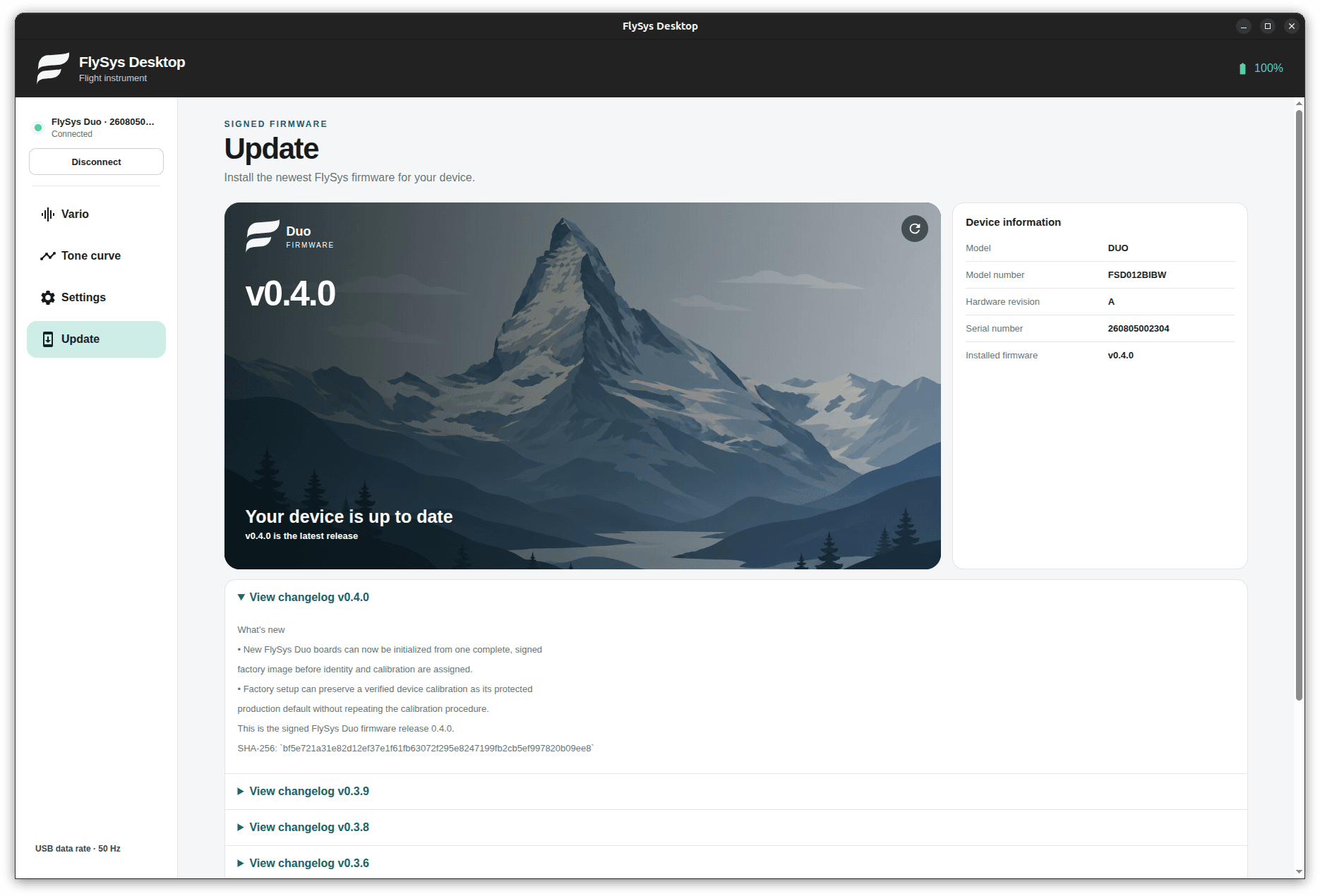
Install compatible firmware and let the application confirm the new version after the device restarts.
Tone curve editor
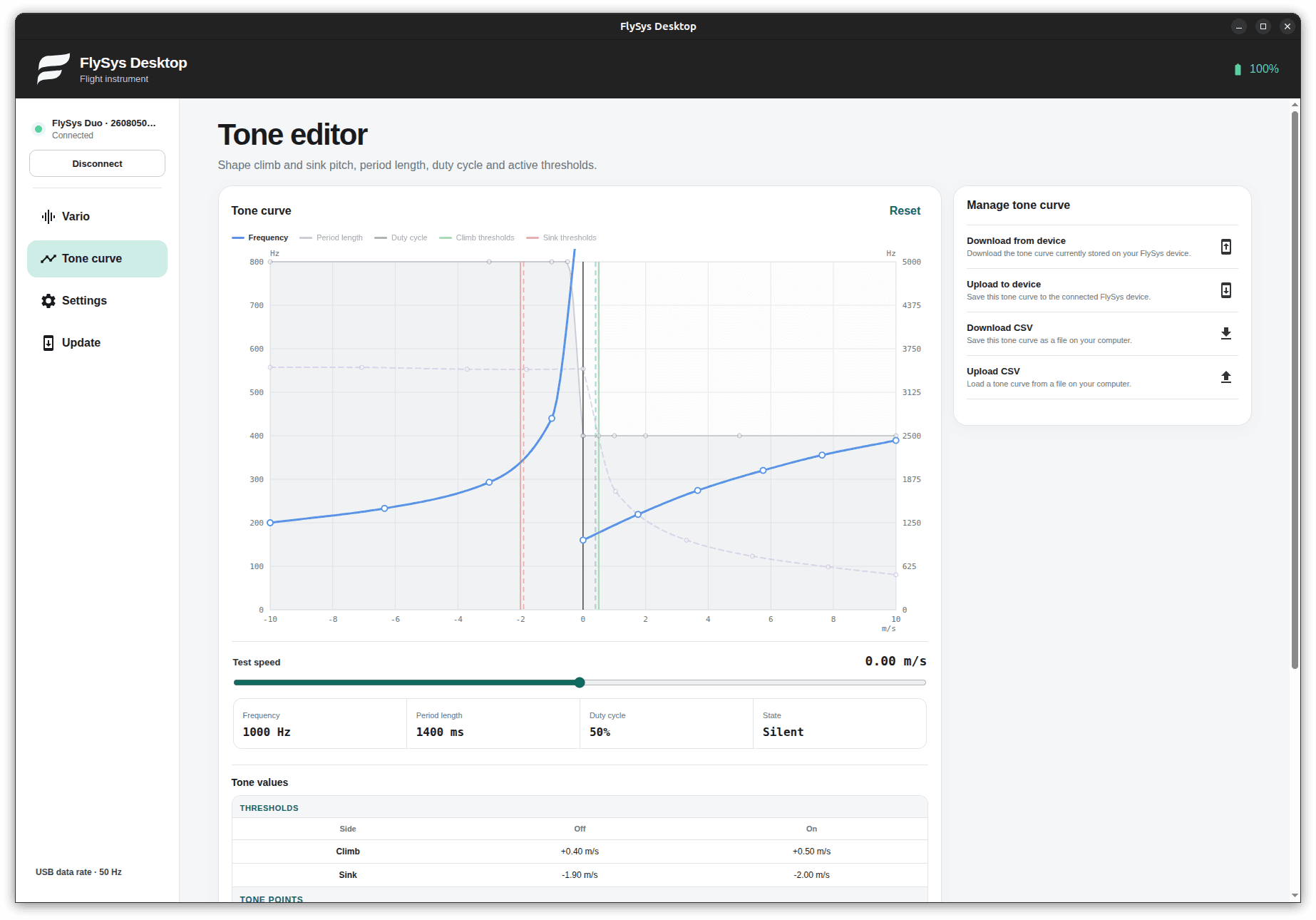
See climb and sink behavior in one detailed graph. Move tone points, adjust active thresholds, and test the result immediately through your computer before uploading it to FlySys Duo.
Frequency, period length, duty cycle, and climb/sink thresholds remain visible together.
Move the test-speed slider and listen to the resulting tone through your computer as you edit.
Download or upload the curve on the connected device and import or export profiles as CSV files.
Device settings
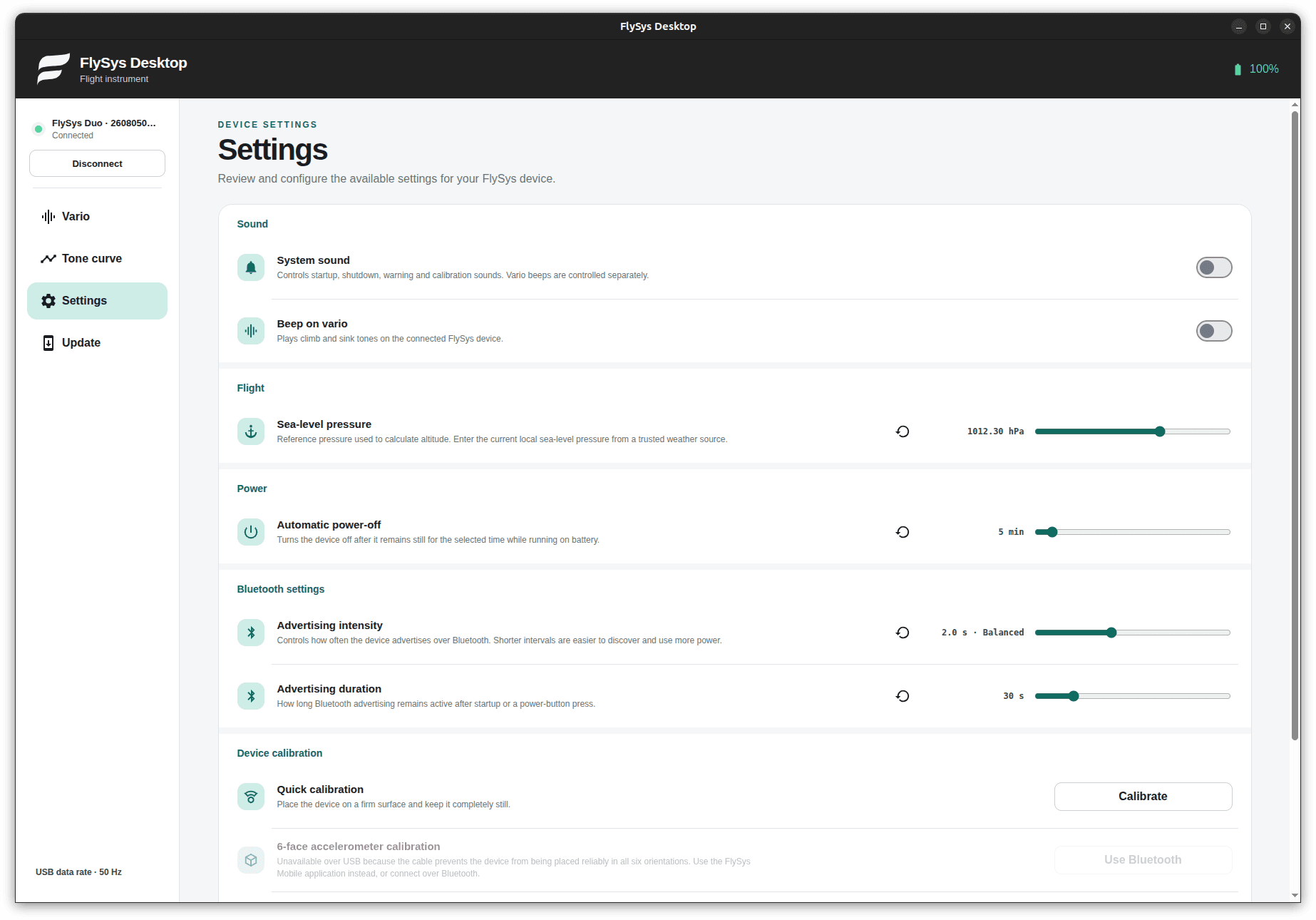
Settings are grouped by purpose and written directly to the connected device. Configure sound, automatic power-off, Bluetooth advertising, calibration, and device password protection in one screen.
Quickly find and adjust the settings relevant to your FlySys device.
Run a quick calibration from the Desktop application. Six-face calibration is only available through the FlySys Mobile application.
Set or remove Bluetooth password protection through a trusted USB connection.